
Studio photos for your listing.
Shoot your car with your phone. Carlume places it in a calm studio – no photographer needed.
For iPhone · No subscription · Pay per photo
How it works
- 1
Shoot
Outlines on the camera view show you each exterior angle. Up to 15 photos per car. Photos from your library work too.
- 2
Pick a studio
Carlume cuts out your car and places it in one of the studios. You can pixelate the license plate or replace it with your own text.
- 3
Done
Save all photos in your listing order or share them right away. Every studio photo shows you before and after.
Several studios
This is how some of the studios in the app look before your car goes in. Your car itself stays unchanged.
-
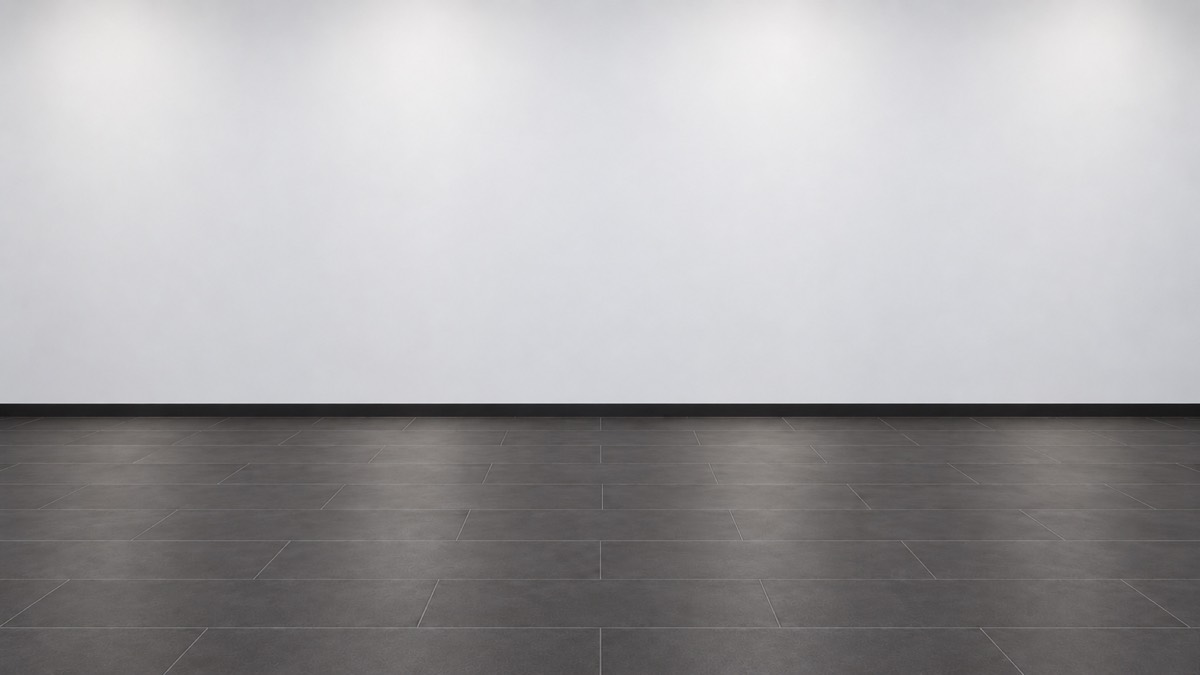
Premium Studio -
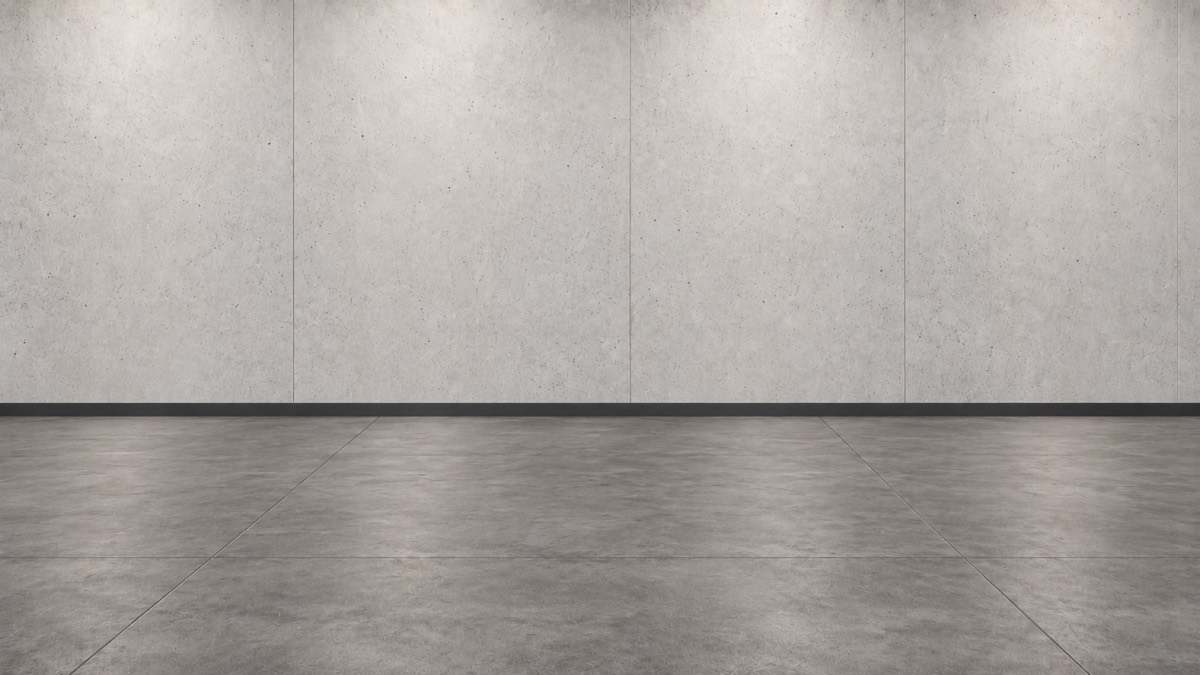
Concrete Studio -
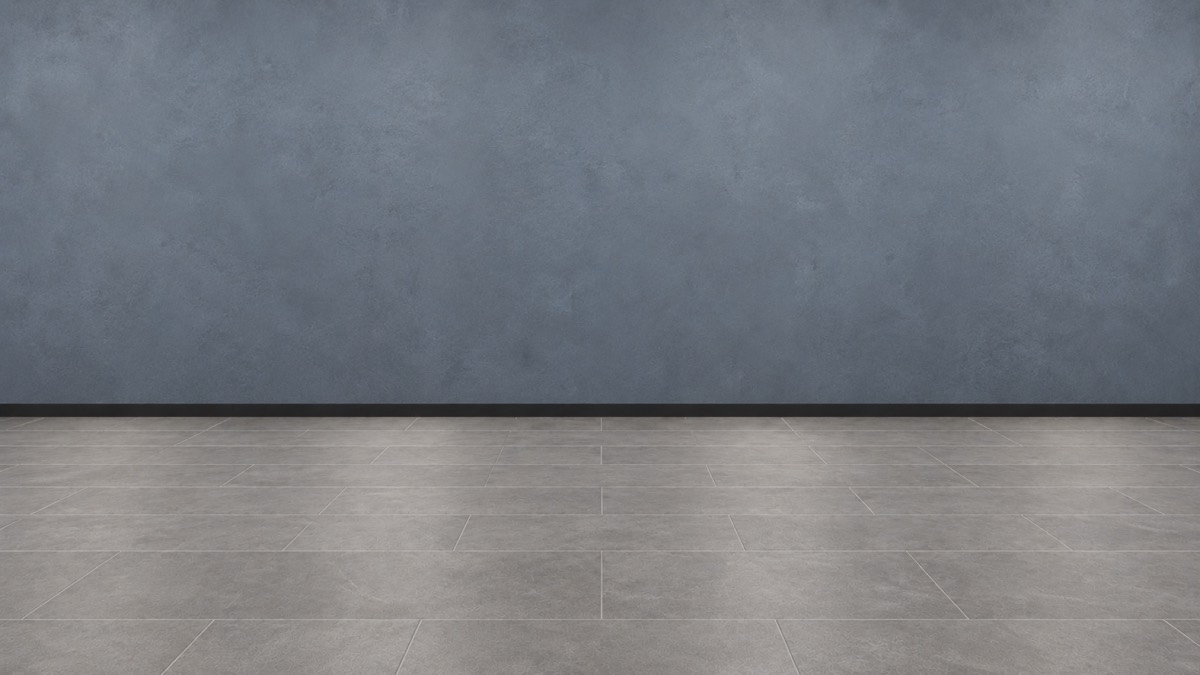
Slate Studio -
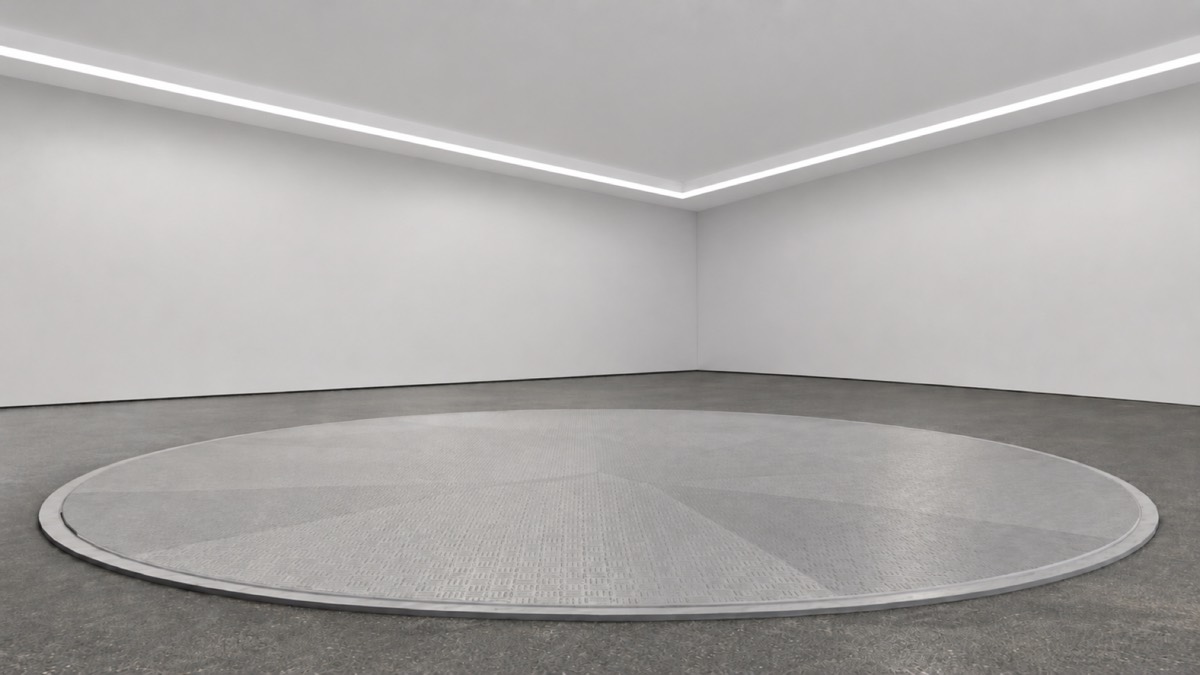
White Showroom
Also: “Original” keeps your background and only edits the plate. “Transparent” gives you your car cut out as a PNG.
What Carlume does
-
Your car stays real
Carlume doesn't redraw or retouch your car. It is only cut out and resized. Scratches, dents and dirt stay exactly where they are. Carlume only edits the plate, and only if you choose to.
-
Guided capture
Outlines on the camera view show you the 8 exterior angles. For the interior, the app guides you through 3 more photos. A hint reminds you to turn your iPhone sideways. You can switch the guide off per car.
-
Several studios
For example Premium Studio, Concrete Studio, Slate Studio and White Showroom. Plus “Original” with your own background and “Transparent” as a cut-out PNG.
-
License plate
Leave it as it is, pixelate it or replace it with your own text, such as your dealership name. Only the plate area is edited.
-
Interior
In interior photos, Carlume replaces the view out of the windows with clean white. The rest of the photo stays as it is.
-
Consistent look
On every exterior studio photo, your car sits centered and at a similar size, whichever studio you pick. So all the pictures in your listing fit together.
For dealers and private sellers
For dealers
- Consistent framing on every exterior photo, in every studio
- Up to 15 photos per car, several processed at once
- Your dealership name instead of the plate
- One garage for many cars, photos stay in your listing order
- No subscription: buy credits when you need them
For private sellers
- Pay per photo, no subscription
- Outlines and hints guide you around the car
- Pixelate the plate with one tap
- An honest listing: signs of wear stay visible
- If the cut-out fails, you pay nothing
Credits, not a subscription
You buy credits once through the App Store. They never expire.
- 1 credit = 1 studio photo
- That goes for every studio and for “Transparent”.
- +1 credit for the plate
- Pixelating or custom text costs 1 extra credit per photo. With “Original”, only the plate costs 1 credit.
- Switching studios is free
- As long as the cut-out is still on your iPhone (up to 7 days), another studio for the same photo costs nothing if you leave the plate setting as it is.
- Automatic refunds
- If the cut-out fails, you get your credits back automatically. If Carlume finds no plate, you get the plate credit back.
Packs of 10, 30 or 75 credits. You'll see the current prices in the app.
Phone photos become studio photos
For iPhone with iOS 26 or later.